THE GANGNAM STYLE AI SELFIE TREND
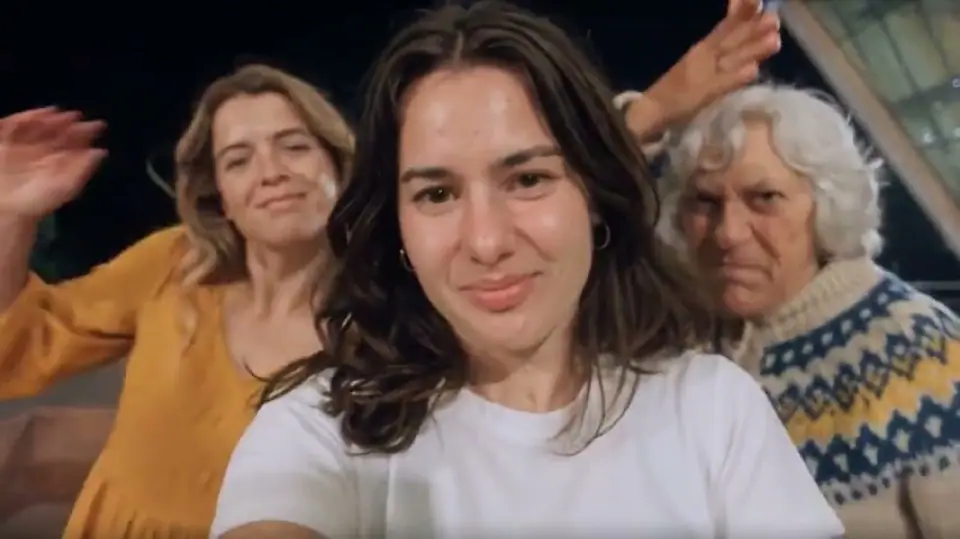
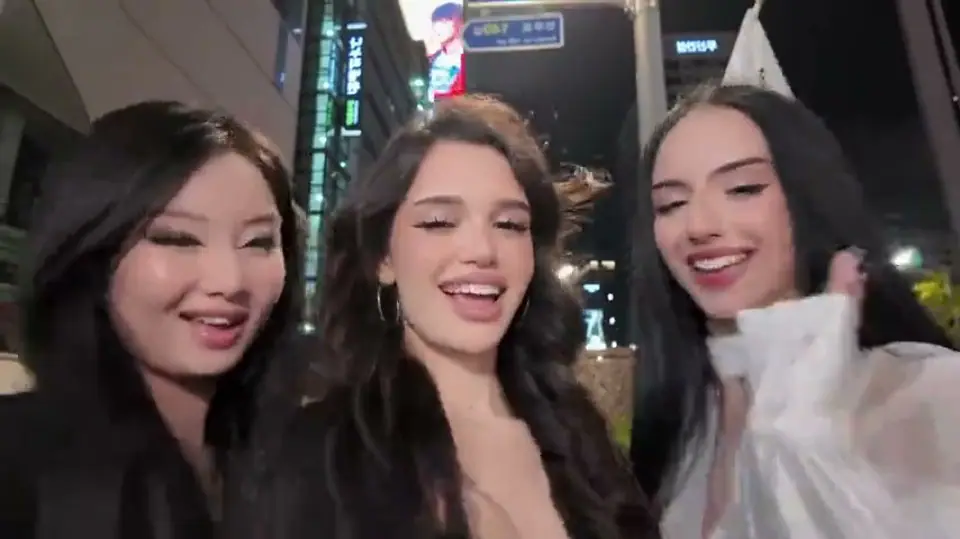
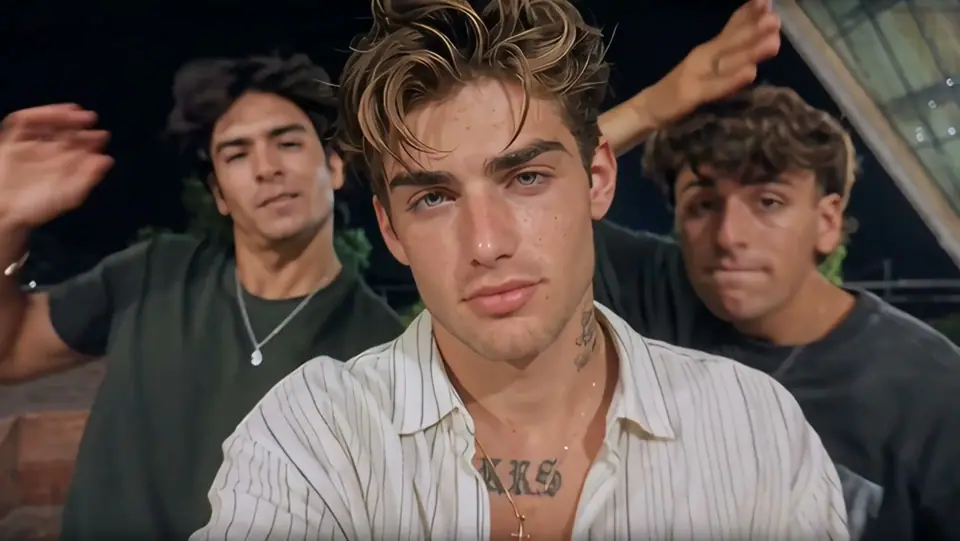
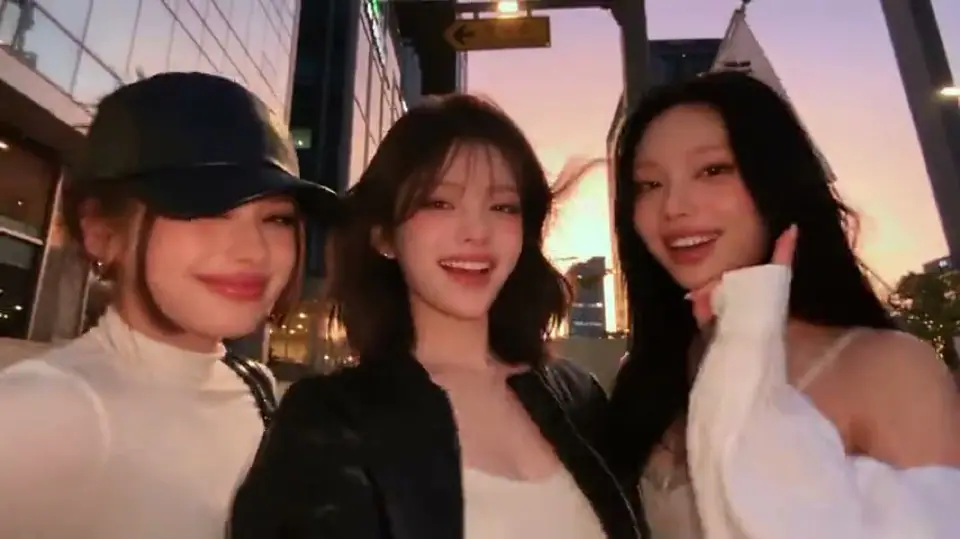
Three familiar faces. One selfie camera. A moment made for the group chat. Explore the Gangnam Style AI trio references and imagine your friends in the scene.
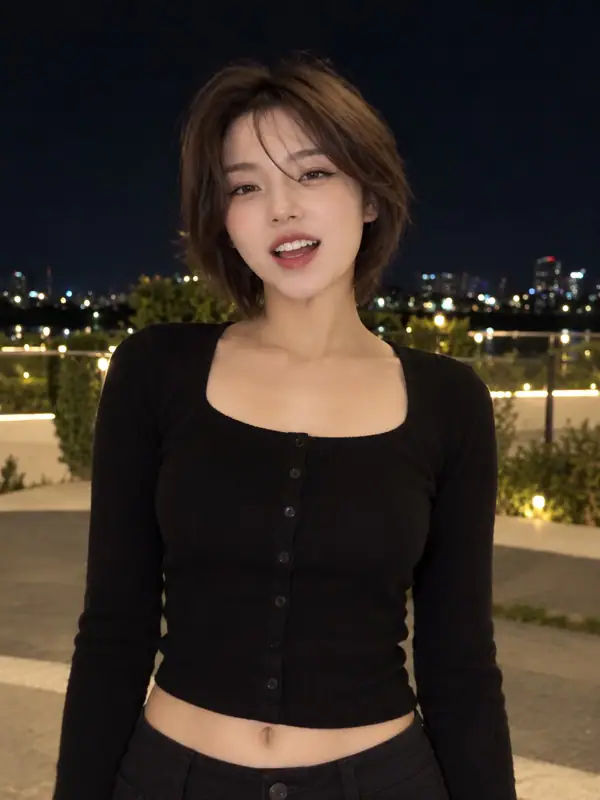
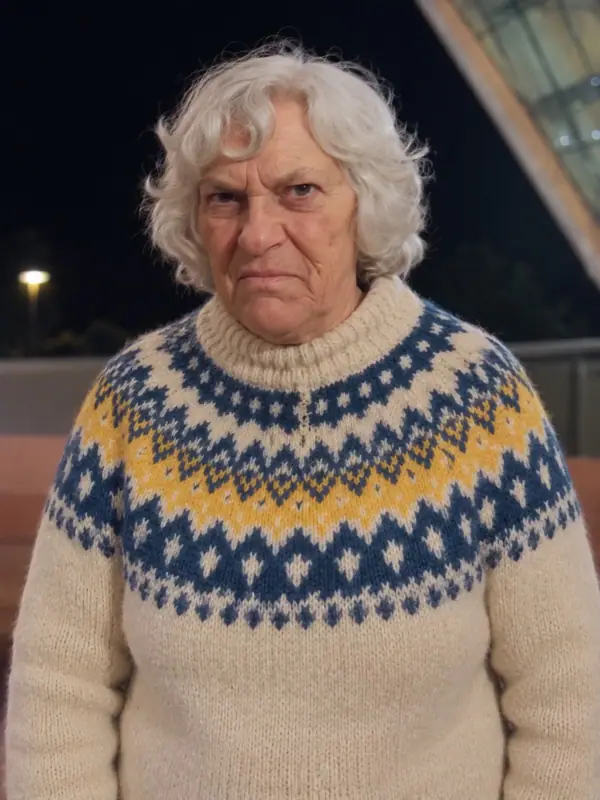
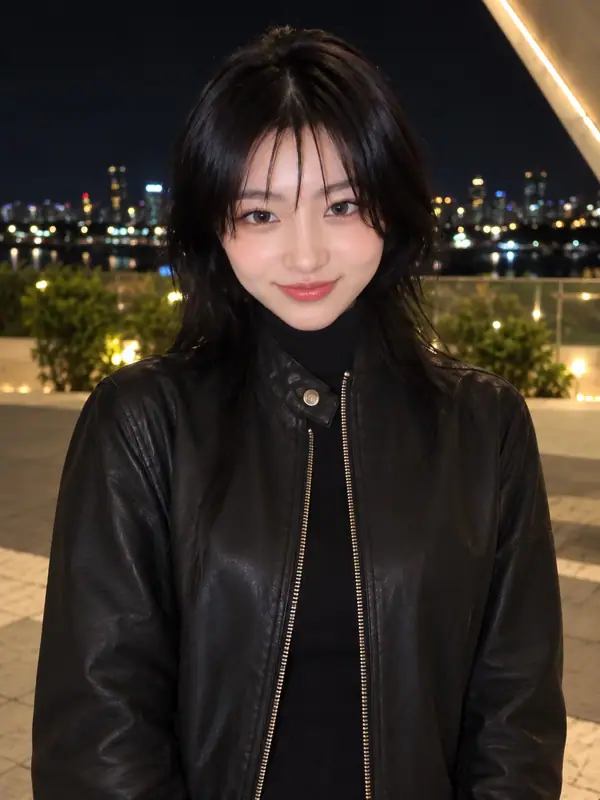
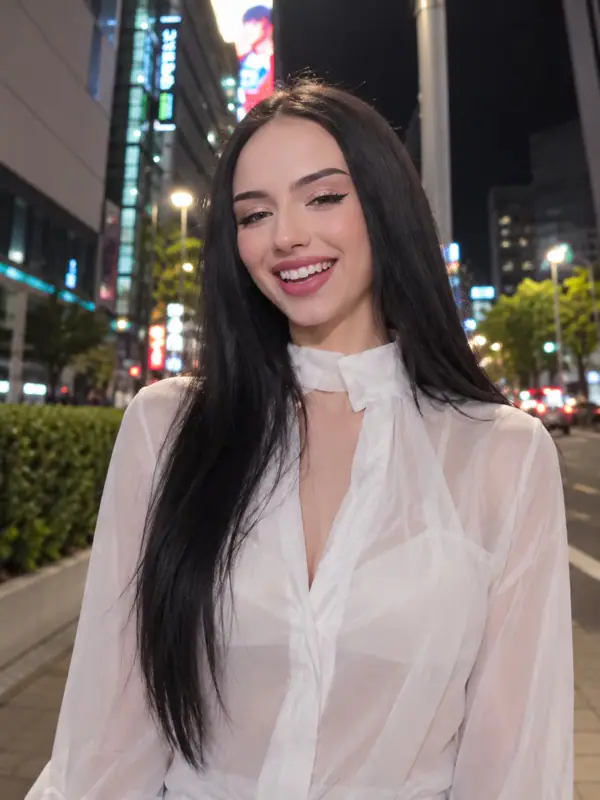
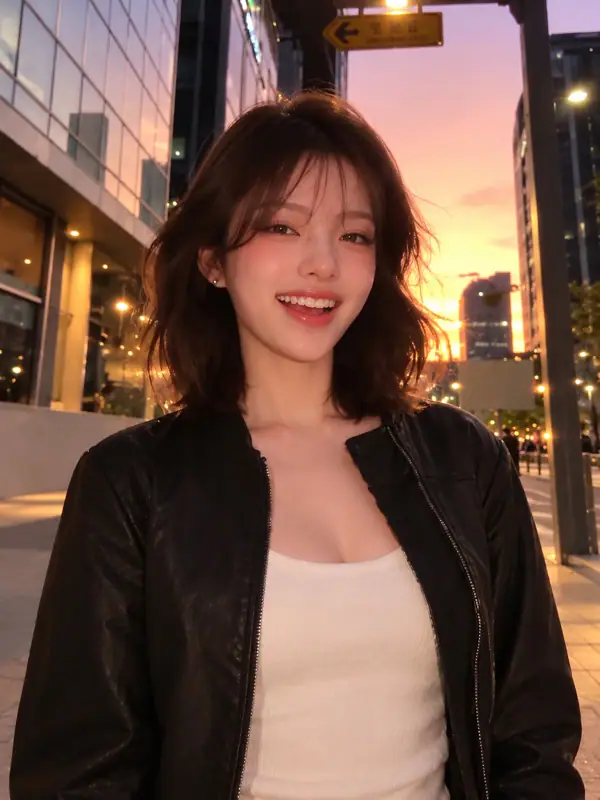
First portrait reference
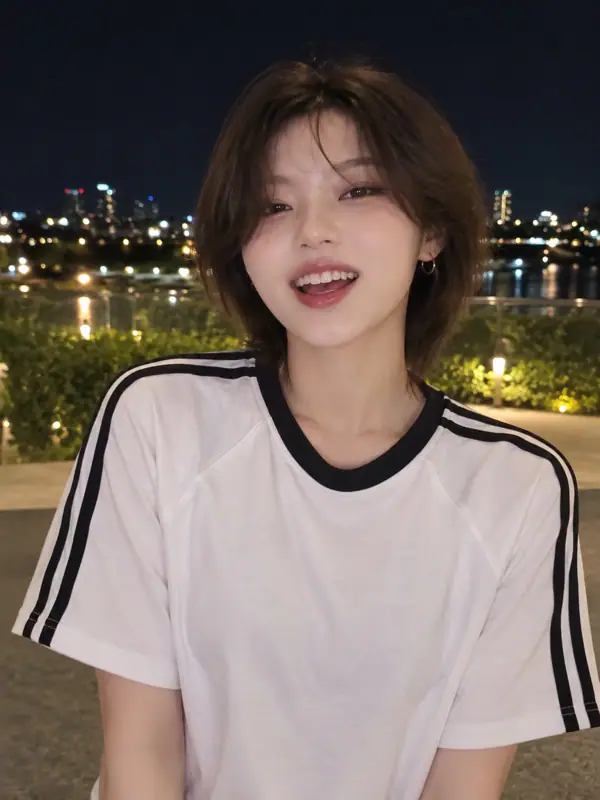
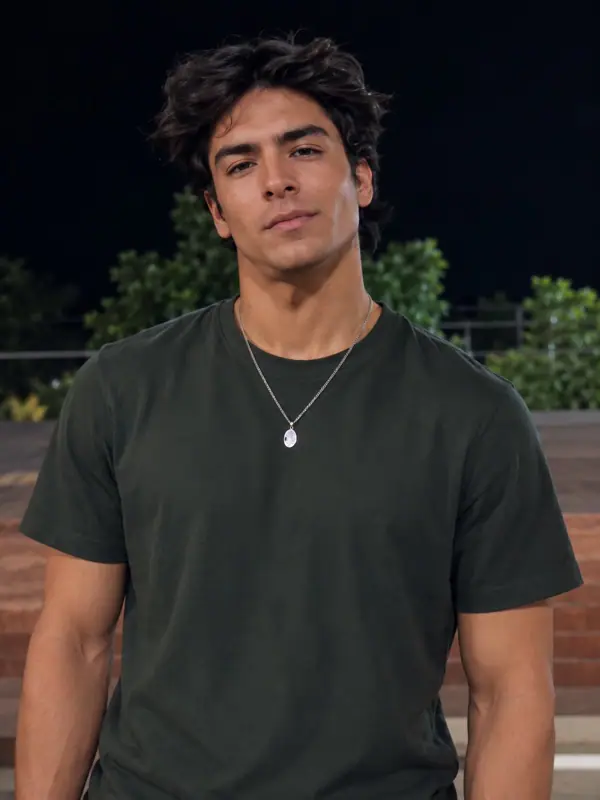
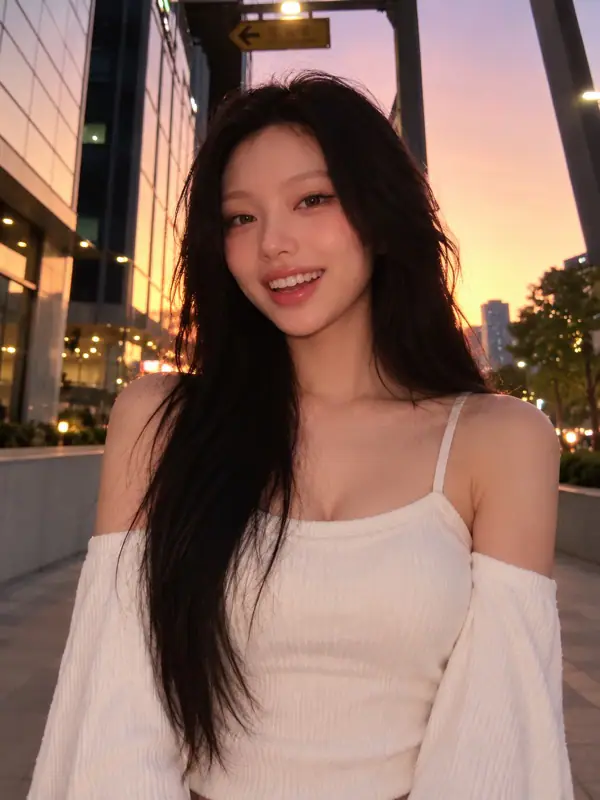
Second portrait reference
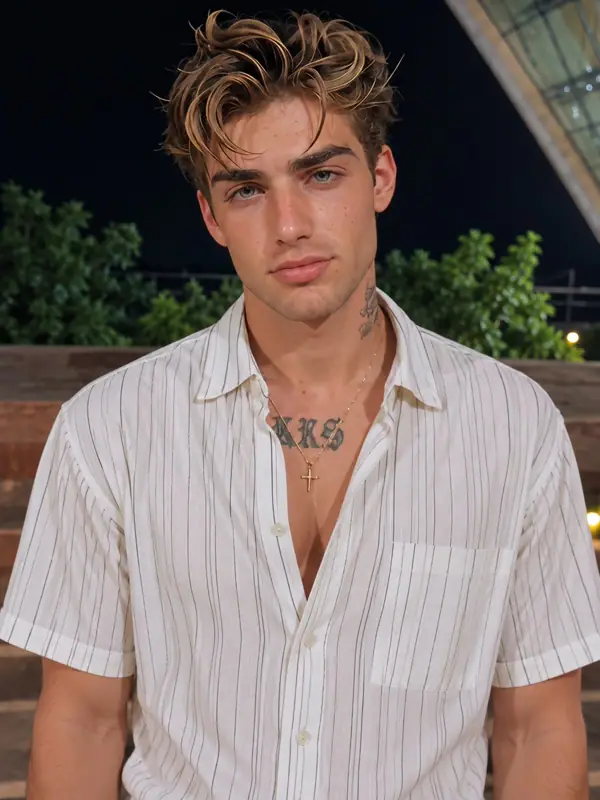
Third portrait reference
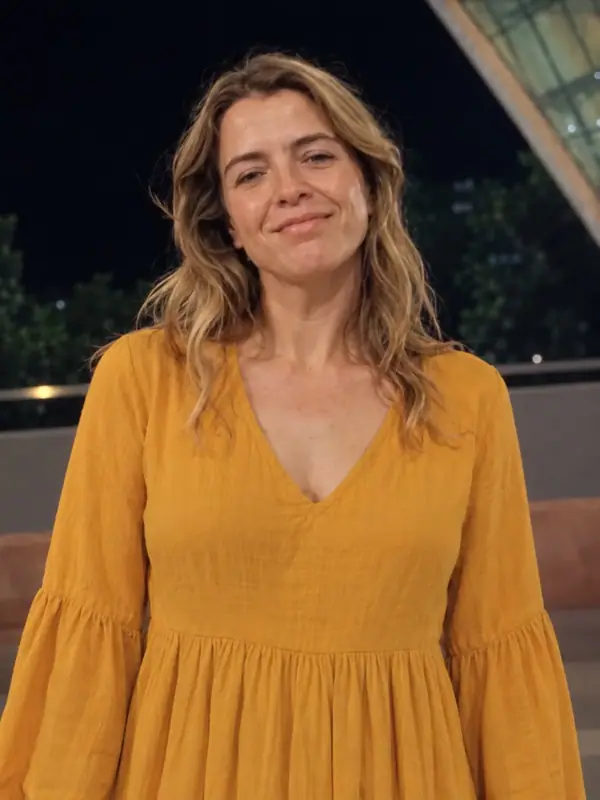
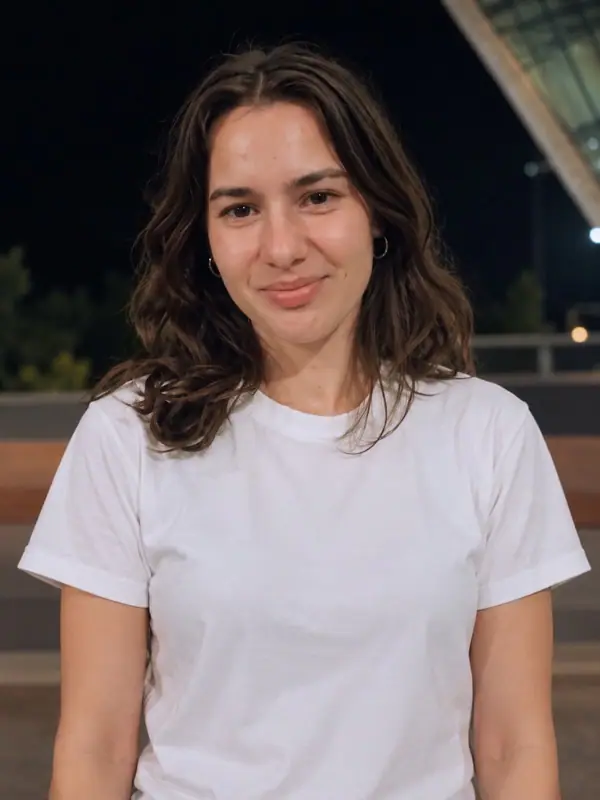
Choose three clear photos, one main subject per photo. Add them to Photo 1, Photo 2 and Photo 3, keeping each face visible. Review all three previews and crops before generating.
Check who each selected photo represents, then review the format and credit cost shown in the tool. The photo workflow uses a preset routine, so the form does not require a written prompt. Submit once your photos and the displayed choices are correct.
Review every person, the group views, and the final frame. Download the completed result and listen to the file before posting. In your publishing app, choose the framing, music, and AI content settings appropriate for the video you are sharing.
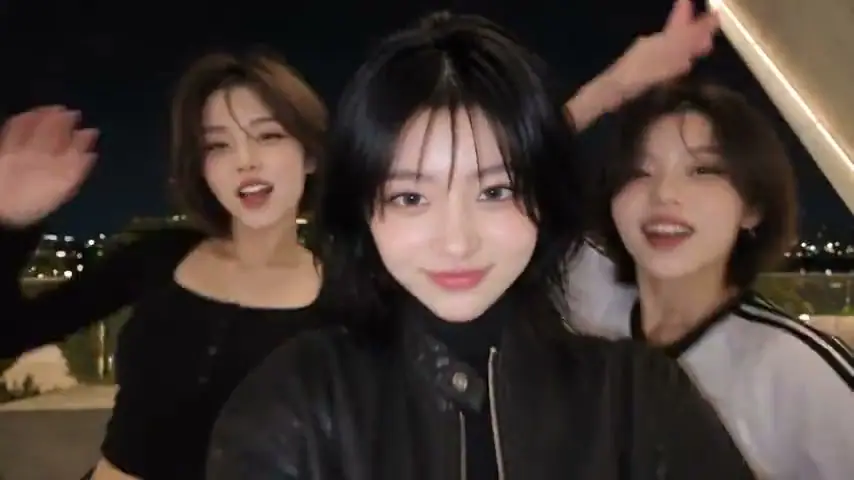
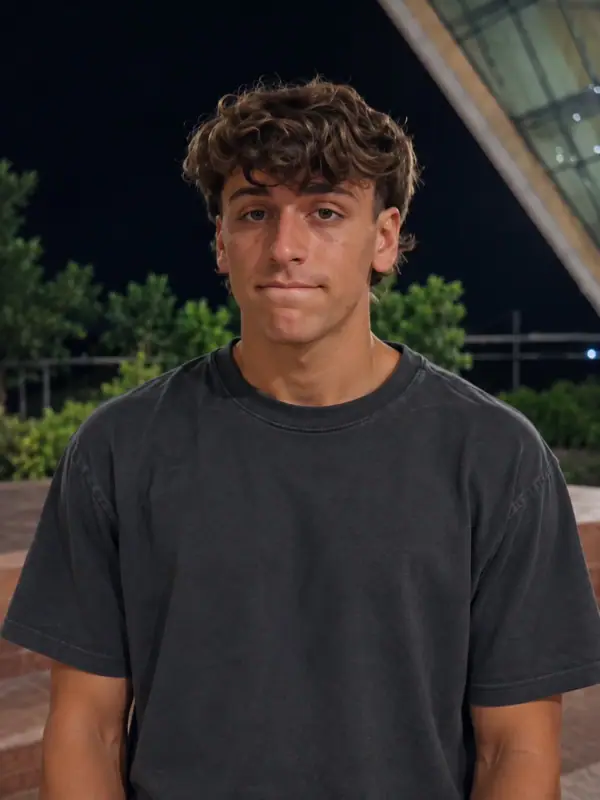
Compare each trio’s reconstructed portraits with its video reference. Look at faces, expressions, and framing when preparing your own photos.
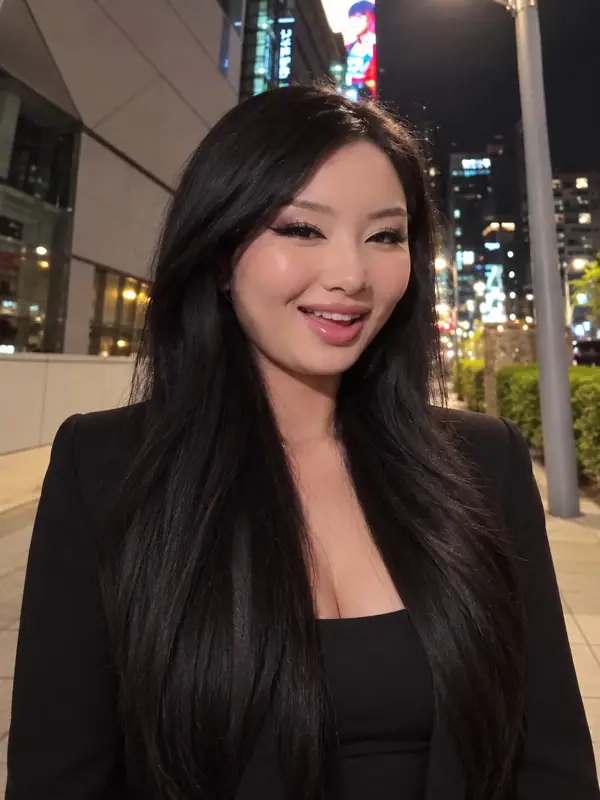
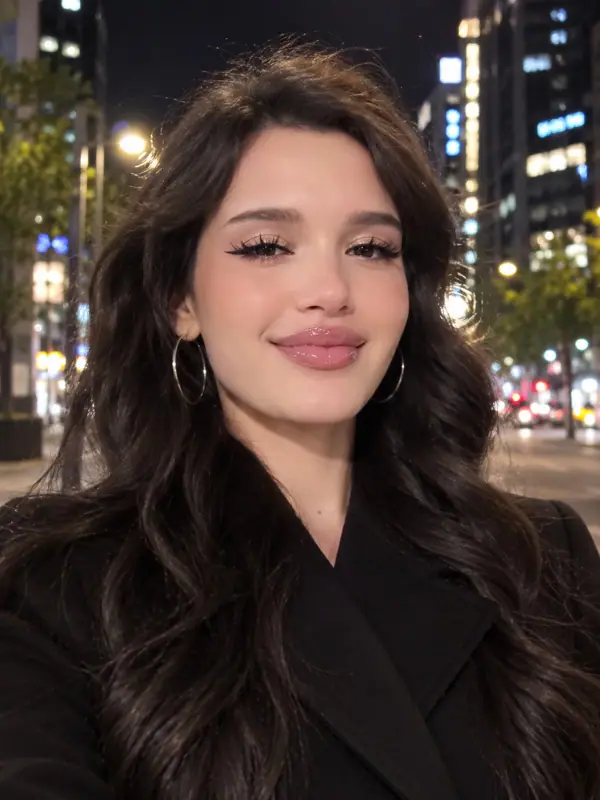
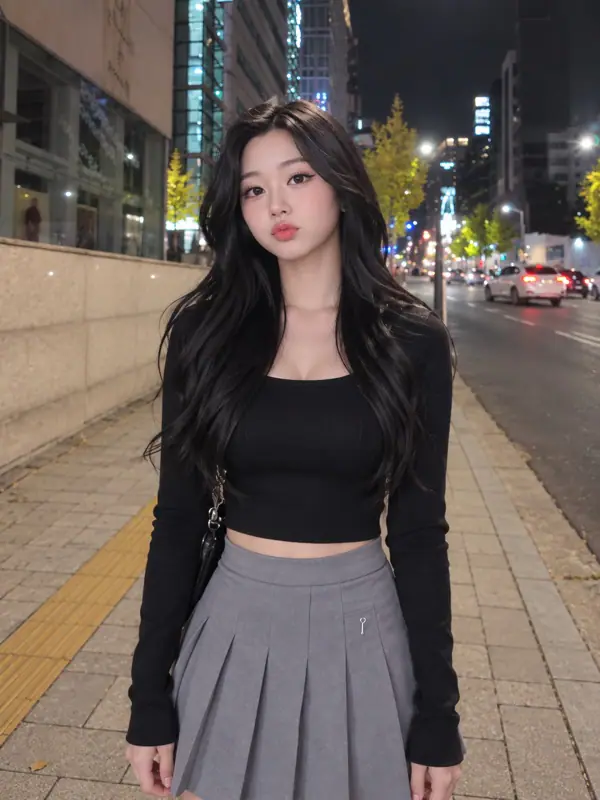
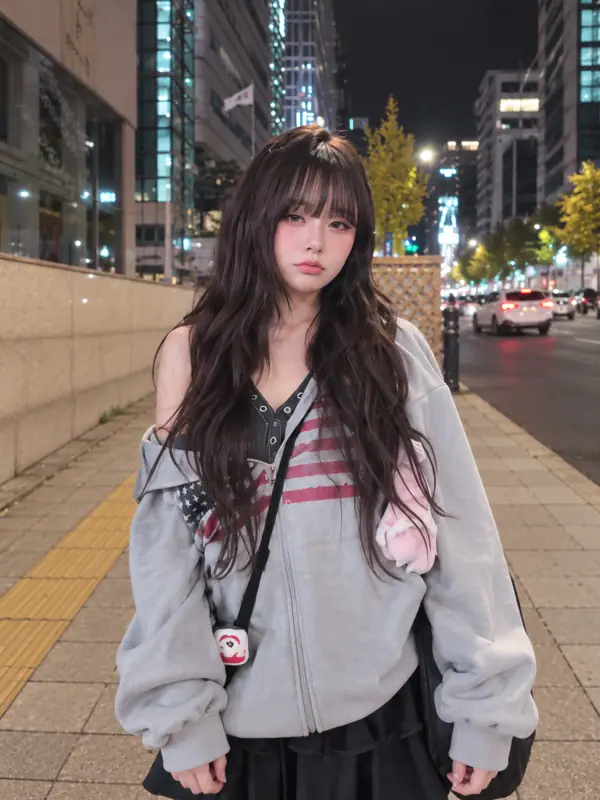
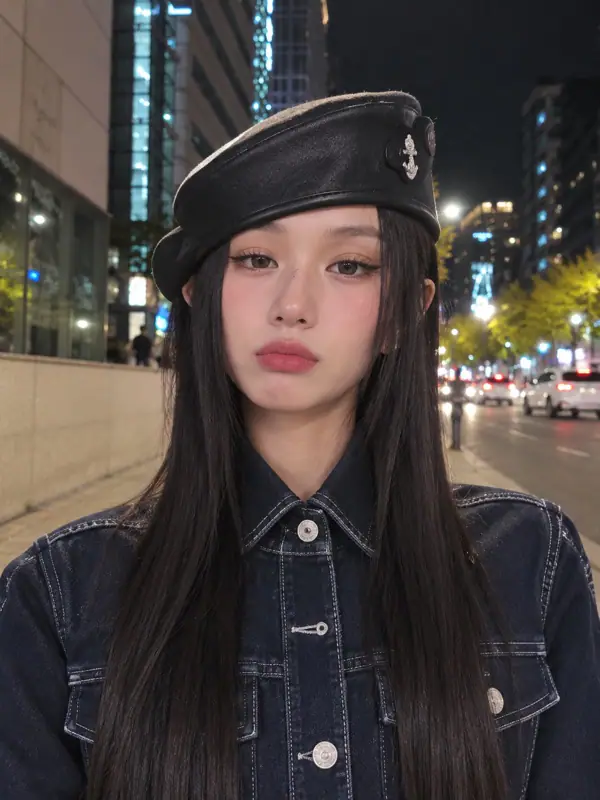
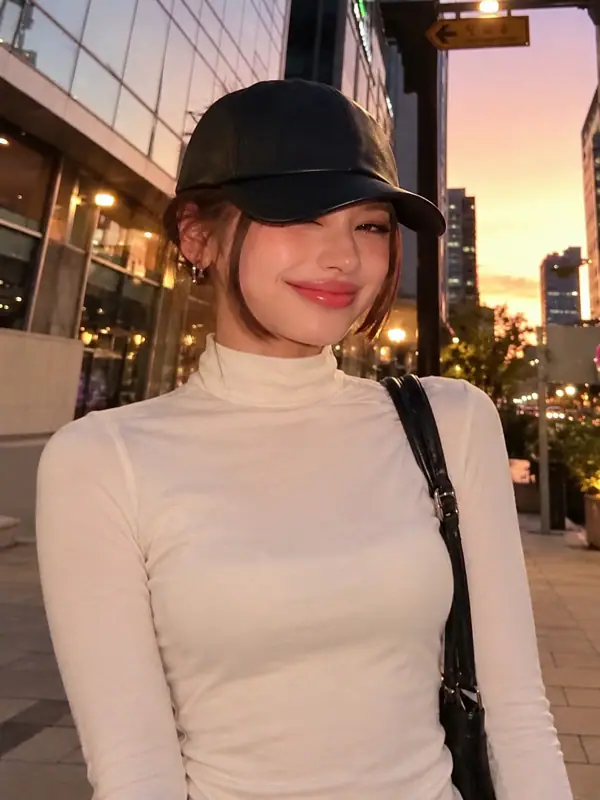
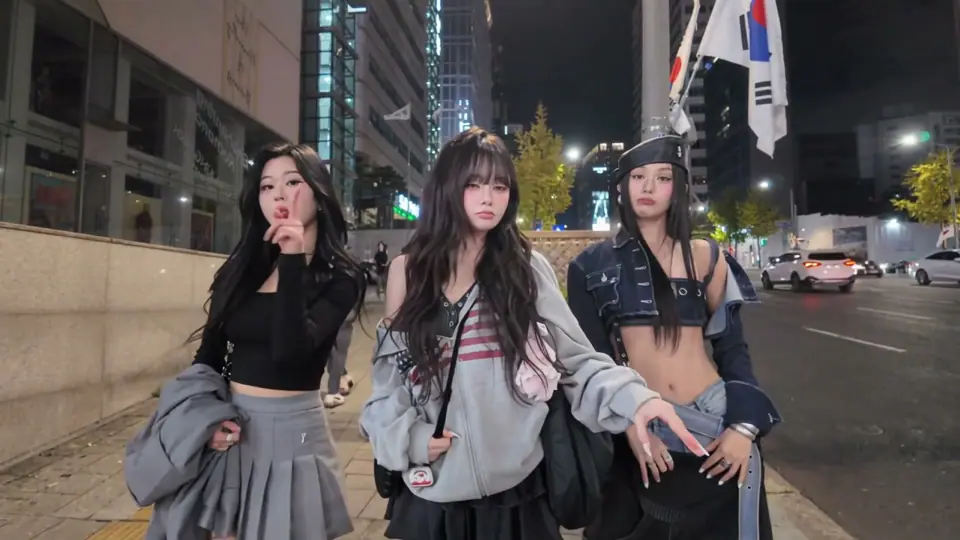
Four moments from the nighttime reference above: a shared opening, individual turns for the side performers, and a return to the lead.
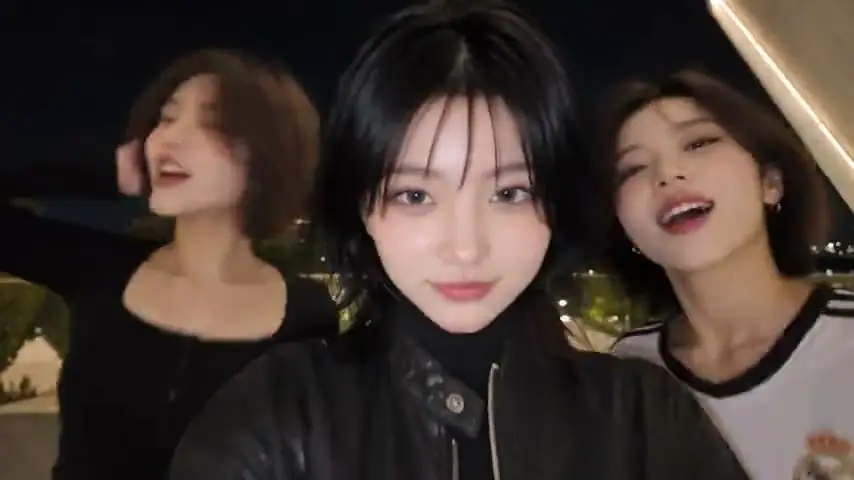
The trio starts together, with the lead nearest the camera and one performer on either side. This opening establishes who is who before the camera moves.
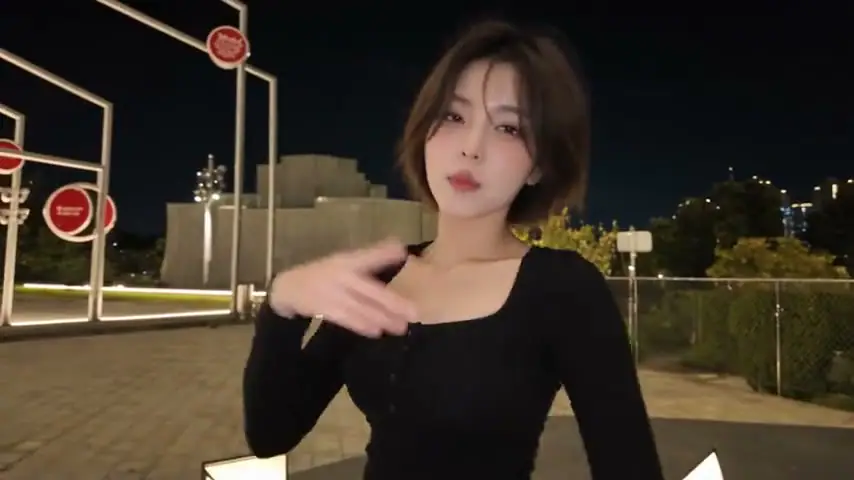
The camera turns to the performer who started on the left. The black top and hand gestures make this solo moment easy to follow.
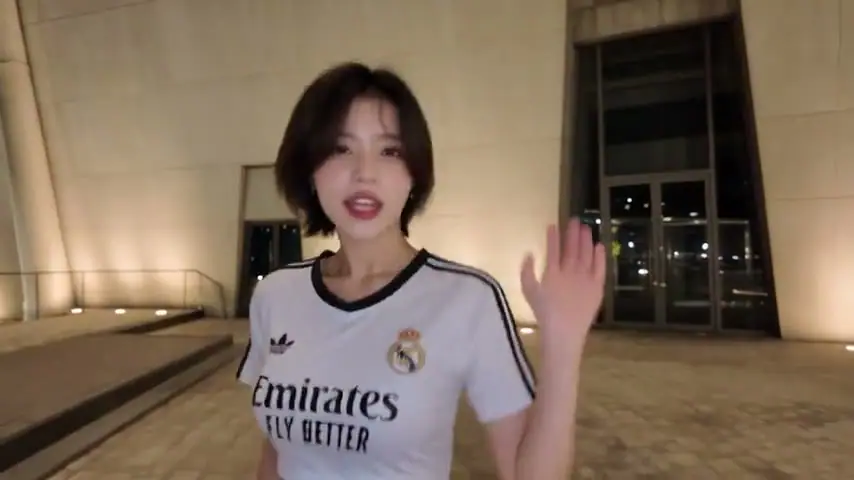
Next, the performer who started on the right takes the frame. The white sports jersey and the building behind distinguish this moment from the previous shot.
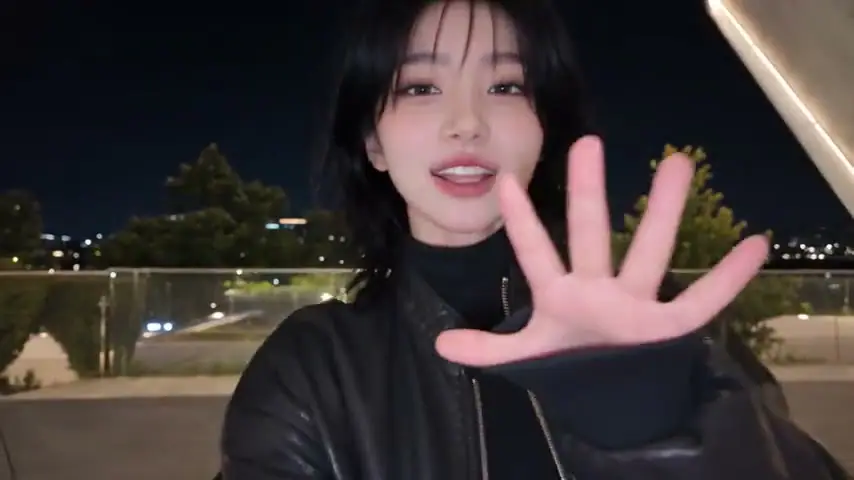
The camera returns to the performer in the black jacket. An open palm toward the lens gives the ending its final gesture.
Think of the friend who steals every close-up and the one laughing beside them. Choose clear photos with their familiar expressions, then give your next dance video a personal touch.
Think of the friends who always appear together in photos, finish each other’s jokes, or keep the group chat going. Choose a photo that captures each person’s familiar look. The combination feels more personal when your audience already knows the relationship between them. Ask each person before using their image.
Choose My PhotosCheck faces, hairstyles, and visible clothing separately for every person you choose. Similar poses or outfits can make it harder to follow the cast at a glance. Keep a note of who belongs in each role and compare those choices with the upload previews.
Choose My PhotosA quiet friend, an expressive friend, and the person who starts every joke give you an immediate contrast to work with. Imagine how they would react to the same camera moment. Let their relationship carry the scene rather than relying on extra captions to explain who they are.
Choose My PhotosThe Gangnam Style AI trend puts familiar faces into a playful camera scene. In the trio selfie version, the fun comes from who is together: the friend who owns every close-up, the quiet one with perfect timing, and the one who makes everyone laugh. A Gangnam Style Trio AI reference gives each character a moment through expressions, solo turns, and shared reactions. Use the videos above to find a mood you like, then imagine the cast your friends would recognize.
One-time payment • No recurring charge
1 standard video
15 credits
Includes 5 bonus credits3 standard videos
35 credits
Includes 5 bonus credits6 standard videos
60 credits
Includes 10 bonus creditsEach standard video is 15 seconds at 480p in landscape (16:9). 10 credits = 1 standard video.
Choose a cast with a shared story: close friends, siblings, or the people who keep your group chat going. Pick portraits with the expressions and everyday looks everyone knows.
Photo 1 follows the performer who starts on the left, Photo 2 the center performer, and Photo 3 the right performer. Each subject keeps that movement track through position changes and overlaps.
Watch the finished video from start to finish, enjoy each person’s moment, and download your favorite version to share.
Uploaded photos, including uploaded originals and cropped versions, are automatically deleted from our storage 24 hours after upload. Photos are processed to create videos and may be sent to AI service providers, which have their own retention policies. Generated videos and task records have separate retention periods. Read the Privacy Policy for details or contact us about deletion. Only upload photos you have permission to use.
Privacy PolicyThink of the friend who steals every close-up and the one laughing beside them. Choose clear photos with their familiar expressions, then give your next dance video a personal touch.